Kubernetes Events Expire in an Hour. Your Incidents Don't.
Kubernetes events expire after one hour by default, and many of the changes that cause incidents never become events at all. How to keep history that survives.
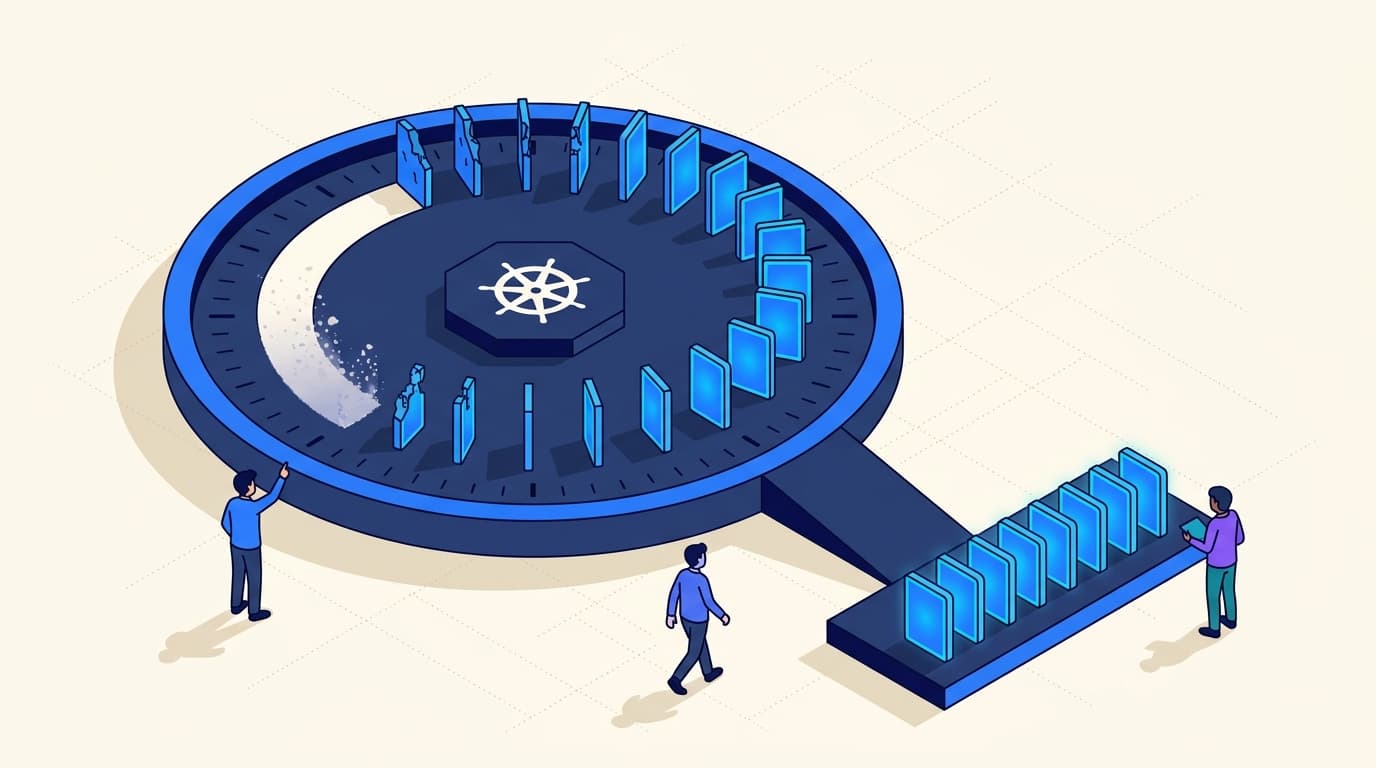
TL;DR. Kubernetes deletes events quickly, after the default one-hour TTL, and they never capture many of the changes that cause incidents: image updates, ConfigMap edits, resource-limit changes. Radar's open-source binary watches both events and resource changes, merges them into one timeline, and retains that history in SQLite - on local disk, or on a volume when you run it in-cluster. Radar Cloud retains the same timeline centrally, so it survives pod, disk, and cluster loss without keeping a cached copy of live cluster state.
The incident started at 02:14. You are reading the thread at 09:30, and someone asks the only question that matters: what was the cluster doing when the pods started failing?
kubectl get events -n payments --sort-by=.lastTimestampFourteen lines. All of them from the last twenty minutes. Nothing from 02:14.
This surprises people the first time, and then it keeps surprising them, because nothing in the output tells you that history was deleted. The events aren't hidden or filtered. They are gone.
Events are garbage collected on purpose
A Kubernetes Event is an API object like any other, stored in etcd, and the apiserver expires it on a TTL. The flag is --event-ttl and it defaults to 1h.
That default is not an oversight. Events are the chattiest objects in the API: a single crashlooping pod produces a steady drip of them, a rollout produces a burst per replica, and a misconfigured controller can produce thousands a minute. All of that lands in etcd, which you want small, fast, and boring. Clusters big enough to feel the pressure often route events to a separate etcd instance (--etcd-servers-overrides) for exactly this reason.
So the flag exists, and on a self-managed control plane you can raise it:
# kube-apiserver, self-managed control planes only
--event-ttl=24h
Two problems with that as a plan.
You probably can't set it. EKS, GKE, and AKS don't hand you apiserver flags. If your control plane is managed, the retention window is your provider's decision, not yours.
It buys less than you think. Events are lossy before they ever reach etcd. Similar events collapse into a single object with a count field and updated timestamps, so a pod that failed its probe 400 times is one row, and "when exactly did this start happening" gets fuzzy. Client-side spam filtering drops events from noisy sources under load. And the object you care most about may have emitted nothing at all.
That last point is the real one, and it has nothing to do with TTLs.
Much of what you need was never an event
Ask what changed before the outage. In practice the answer is usually one of these:
- the image tag moved from
v1.9.0tov1.9.1 - someone raised a memory limit, or lowered it
- a ConfigMap was edited in place
- a Service selector was retargeted
- a HorizontalPodAutoscaler's
minReplicaschanged
None of those emit an event describing the change. Kubernetes records events when a controller decides to say something - scheduled, pulled, failed, backoff, evicted. It does not maintain a change log of your objects. resourceVersion moves, and on most kinds metadata.generation increments, but the previous state is not kept anywhere. Once the write lands, the old spec is gone unless something was watching.
This is why "turn up the event TTL" never actually closes the loop. You would be retaining more of the symptom and none of the cause.
The usual workarounds, and where each one stops
| Approach | What it answers | Where it stops |
|---|---|---|
kubectl get events | What a controller complained about, in the last hour | Expires, aggregates duplicates, no resource changes, no cross-restart history |
| Event exporter to Loki / Elastic / a SIEM | Long-term searchable event text | Still only events. Text records, not object state - you get the message, not the diff. Correlating back to a workload is a query you write yourself |
| Kubernetes audit log | Who called what API, with the request body | Off, or landing somewhere nobody reads mid-incident, on most managed clusters. Expensive at volume, and shaped for compliance rather than debugging. Answers "who changed it," not "what did it look like before" |
| kube-state-metrics + Prometheus | Numeric time series: replicas, restarts, phase over time | Metrics, not objects. You can see restarts climb; you cannot see the manifest that caused it |
Each of these is a reasonable thing to run, and most teams end up running two or three. The gap is that none of them gives you the one artifact you want during an incident: a single chronological view of everything that happened to this workload, with the events and the actual configuration changes side by side.
Watch the objects, not just the complaints
If you want resource changes, something has to observe them as they happen. That is what informers are for. Watch a kind, keep the last observed state per object, and when a new version arrives, diff it. The apiserver never stores the old spec, but a process that was watching has it.
That is how Radar builds its timeline. It merges, per resource and cluster-wide:
- Kubernetes events, indexed and searchable rather than TTL'd away
- resource changes, with a structured field-level diff between versions
- pod lifecycle: starts, restarts, exits, OOM kills
- Helm operations - install, upgrade, rollback, uninstall
- GitOps activity: Argo and Flux reconciliations and their outcomes
- audit-check transitions, when a resource starts or stops failing a check
Merged into one stream, that answers "what happened at 02:14" without asking you to join four systems by hand.
All of that lives in the open-source binary. The informers, the diffing, the merged stream, the storage, the UI you read it in - Apache 2.0, running in your cluster, no account required. Worth being clear about before the next two sections, because retention is one of those capabilities tools usually reserve for the paid tier. Here it isn't a capability that gets unlocked; it's the same store either way.
What differs is the ceiling. In the cluster, history is bounded by the volume you gave it and it answers for that cluster only. Radar Cloud raises both ceilings: the history is no longer bounded by one cluster's disk or lifetime, and it can be queried across the fleet. Depth and reach, not features.
Keeping it locally: memory, then SQLite
Radar OSS is a single Apache 2.0 binary, and by default the timeline lives in memory - fast, zero setup, and cleared the moment the process exits. That's the right default for a laptop and the wrong one for a shared install.
Point it at SQLite and history survives restarts:
radar --timeline-storage=sqlite \
      --timeline-db=$HOME/.radar/timeline.db \
      --timeline-retention=720h \
      --timeline-max-size=8Gi
--timeline-retention defaults to 7 days and --timeline-max-size to 1Gi, so out of the box you get a week of history bounded by a gigabyte of disk. Both are budgets, not guarantees: whichever ceiling you hit first prunes the oldest events.
In-cluster, the same thing needs a volume that outlives the pod:
timeline:
  storage: sqlite
  dbPath: /data/timeline.db
persistence:
  enabled: true
  size: 20Gi
This is genuinely useful and it is where most teams should start. The limits are the concrete ones: lose the PVC and you lose the history, decommission the cluster and the history goes with it, and "what happened across our fleet last Tuesday" is still five separate lookups.
Retaining history centrally, without caching live state
Radar Cloud retains that history centrally. The interesting part is how it gets there, because we had a constraint: Radar Cloud does not keep a server-side replica of your live cluster state. Live views reverse-proxy to the Radar pod in your cluster and read the truth from the API server. We were not going to quietly break that to add history.
The distinction we landed on is between state and record. A cached copy of your live state is a liability: it goes stale, it lies during exactly the incident you need it for, and it is a copy of your cluster sitting in someone else's database. A record of events that already happened has neither problem. It cannot go stale, because it describes the past.
So the control plane pulls, and it pulls the same history Radar already keeps:
It rides the tunnel you already have. The connected Radar pod holds one outbound WebSocket to the control plane, which is how the UI reaches it. The puller opens a stream on that same tunnel and reads the same endpoint the browser reads. No second agent, no inbound access, no new egress rule.
It pulls the existing timeline rather than caching live state. Nothing here mirrors your current cluster. The control plane copies a record of events that already happened, and live views keep reverse-proxying to your cluster for anything that describes now.
Gaps are recorded, not hidden. When Radar's store is recreated by a pod restart, the puller detects it and writes an explicit coverage record for the window it wasn't watching. An unmarked gap renders as nothing happened, which during a postmortem is not a missing answer but a wrong one.
Reads stay inside your cluster's RBAC. When you read retained history, the control plane asks your cluster which namespaces you can see, using your identity and the same computation Radar performs for the live view. No permission data is persisted. If the cluster is unreachable and nothing recent is cached, the read is denied rather than served wide.
The delivery mechanics underneath, including how the pull cursor doubles as the acknowledgement and how late-arriving events land at their historical position, follow the same pull-not-push shape described in the Radar Cloud architecture post.
The client contract is identical to the local binary's: the browser loads one window of events, then polls for what arrived since, and every zoom and pan resolves against what it already has. The timeline API and UI stay the same. What changes is where the history is stored, how long it survives, and how broadly you can query it.
What this is not
It is not a SIEM, and we are not trying to be your system of record. This is incident-shaped history: deep enough to cover the postmortem, the regression that showed up a week later, the "when did this actually start" question. If you need multi-year archives, immutability guarantees, or one searchable store spanning every system you run, keep shipping events to your log backend. That is a different job.
Retention starts when you turn it on. There is no backfill of history that nobody was watching. Today is the earliest you can start.
A long disconnect can still cost you. The local store is the buffer, so if the control plane can't pull for longer than that store's retention window, the oldest events are pruned before they're read. Known disconnects show up as coverage gaps.
Fail-closed cuts both ways. History for a cluster that has been disconnected for a long time is readable only by users whose access scope was verified recently. That is the correct default for a permission check, and it does mean a decommissioned cluster's history is not freely browsable. Namespace-restricted users also don't see cluster-scoped events, which have no namespace to match against.
Common questions
How long does Kubernetes retain events?
One hour, by default. Events are API objects in etcd and the apiserver expires them on the --event-ttl flag, which ships set to 1h. The window is a configuration choice, not a property of Kubernetes, but it remains the common default.
Can you increase event retention on EKS, GKE, or AKS?
Generally, not through the managed control plane. --event-ttl is a kube-apiserver flag, and managed services do not normally expose those flags. On a self-managed control plane you can raise it, at the cost of more pressure on etcd. Either way you keep events longer without gaining any record of what changed.
Do Kubernetes events record ConfigMap and Deployment changes?
Not the change itself. Events capture what a controller chose to report, such as scheduling, pulls, probe failures, and evictions. A new image tag, an edited ConfigMap, or a raised memory limit produces no event describing the diff, and the previous state is not retained anywhere once the write lands.
How does Radar retain Kubernetes history?
Radar watches resources through informers and diffs each new version against the last, so it records changes as well as events, merged into one timeline. That store is in the open-source binary: memory by default, SQLite when you point it at a database. Radar Cloud pulls the same history over the cluster's existing tunnel and retains it centrally, so it survives the volume, the pod, and the cluster.
Where to start
If you run Radar OSS today, the highest-value ten minutes you can spend is switching the timeline to SQLite, giving it a PVC, and setting a retention budget you can afford. That alone moves you from "one hour of events" to a real month of history, in one command.
radar --timeline-storage=sqlite --timeline-retention=720h --timeline-max-size=8GiThe full set of storage flags is in the timeline docs, and the Helm values for a persistent in-cluster install are in the in-cluster deployment docs. Missing history is one of five questions you can't answer with kubectl; the others have the same shape.
When one cluster's disk stops being the right place for that history - because you have six clusters, because the postmortem is about a cluster that no longer exists, or because the people who need the answer shouldn't be reaching into the cluster to get it - Radar Cloud retains it for you, over the tunnel you already have open.
The apiserver will keep deleting events after an hour. That's its job. Remembering them is somebody else's.
Get the next issue in your inbox
Kubernetes deep-dives, new Radar releases, and what we learned shipping them.
About one email a month. No sales sequences. Unsubscribe anytime.
Keep reading
Introducing Radar Cloud: Multi-Cluster Kubernetes Visibility for Teams
Radar Cloud is the team layer on top of Radar OSS: fleet views, Google and GitHub sign-in on every plan, K8s-native RBAC via impersonation. Current cluster state is read live, not replicated.
Radar v1.8: Applications, Rebuilt Navigation, and Helm Upgrade Tracking
Radar v1.8 adds an Applications view, rebuilt navigation and search, richer Helm operations, large-cluster performance improvements, and Prometheus over MCP.
Radar OSS or Radar Cloud? An Honest Take on When to Use Each
The most common question in our GitHub issues: do I need Radar Cloud, or is OSS enough? Here's the honest answer, with the five questions that actually decide it.